
📹 1. Recording video (built-in camera)
Many smart glasses have a tiny camera that lets you:
- 🎥 Record what you’re seeing (first-person POV)
- 📸 Take photos hands-free
- 🔴 Start/stop recording with voice commands
👉 Example: you say “record a video,” and the glasses start filming exactly what’s in front of you.
👀 2. Watching video (AR / HUD display)
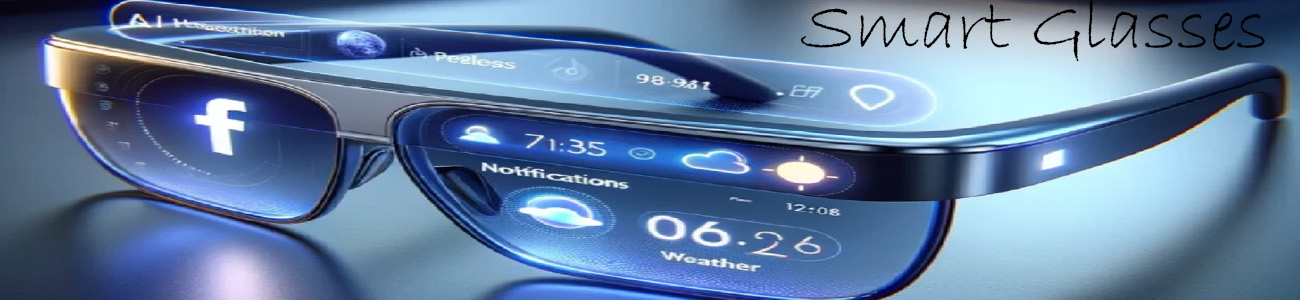
Some advanced smart glasses can show video directly in your lenses:
- 📺 Watch a floating screen in front of your eyes
- 🎬 Stream YouTube or movies
- 🖥️ Connect to your phone like a portable display
👉 It can feel like having a mini TV floating in space.
🔄 3. Live video (real-time sharing)
High-end AI glasses can also:
- 📡 Livestream what you see
- 👥 Share your POV with someone else instantly
- 🤖 Let AI “watch” and describe what’s happening
🧠 4. AI video help
Some smart glasses analyze video in real time:
- Identifying objects or places
- Giving explanations about what you’re seeing
- Translating signs or text from video
🔥 Real-world example types
Basic smart glasses
- Record short videos
- No screen for watching video
Mid-range glasses
- Better camera quality
- Some live streaming features
Advanced AR glasses
- Full floating video screens
- Multi-window viewing
- AI-assisted video interaction
🧠 Simple way to think about it
- 📱 Phone = you hold it to watch or record video
- 👓 Smart glasses = you record or watch video hands-free while seeing the real world