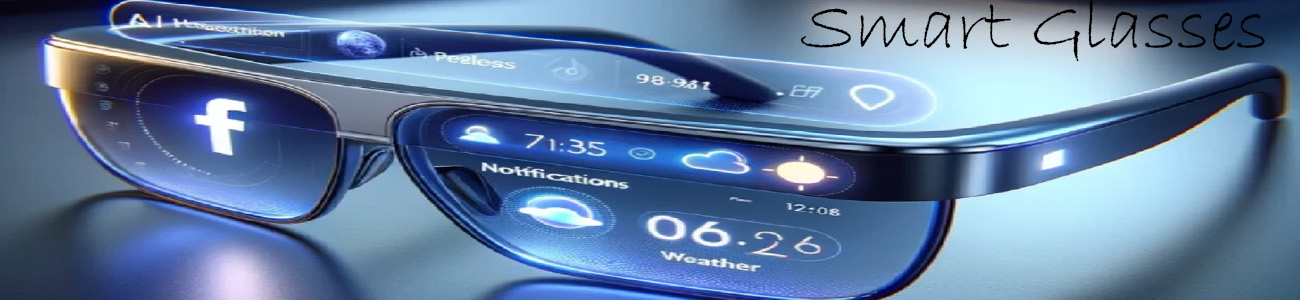

🌍 What translation does in smart glasses
It lets you:
- 🗣️ Hear someone speak and get it translated instantly
- 👀 See translated text in your view (HUD display)
- 💬 Talk back and have your words translated for the other person
🧠 1. Real-time speech translation
Example:
- Someone speaks Spanish
- The glasses translate it to English instantly
- You hear it through the speakers or see it as text
👉 Like having a live interpreter in your glasses.
📝 2. Text translation (signs, menus, etc.)
The camera can read things like:
- Street signs 🚧
- Restaurant menus 🍜
- Instructions or labels 📄
Then AI translates it and shows it in your view.
🤖 3. Conversation mode
Some smart glasses support two-way talking:
- You speak English → it translates to another language
- They respond → you hear English back
👉 Makes conversations between languages much easier.
👓 4. How it appears in glasses
Depending on the model:
- 📺 Text appears in a small HUD overlay
- 🎧 Audio translation is spoken through speakers
- 👁️ Sometimes both audio + visual together
🔥 Real-world examples
Basic smart glasses
- Limited or app-based translation
- Usually audio only
Mid-range glasses
- Speech translation with AI assistant
- Some text translation features
Advanced AI glasses
- Real-time speech + text translation
- Camera-based translation of signs
- Smooth conversation mode
🧠 Simple way to think about it
- 📱 Phone translation = you type or open an app
- 👓 Smart glasses = translation happens instantly in your ears and eyes while you talk or look