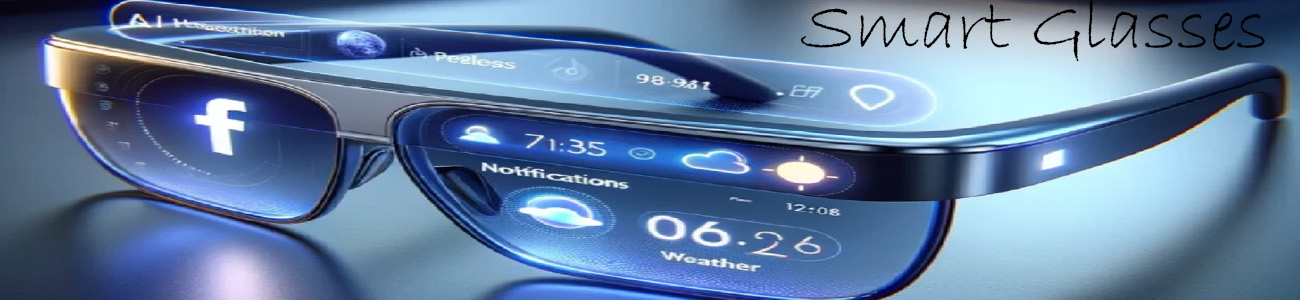

📸 1. Taking photos (built-in camera)
Smart glasses often include a small camera that lets you:
- 👓 Take pictures of what you’re seeing (first-person POV)
- 📸 Snap photos instantly with voice commands like “take a photo”
- 🖐️ Capture moments hands-free (no phone needed)
👉 It’s like your eyes are the camera.
🤖 2. AI-assisted photos
Some AI smart glasses can improve photos by:
- 🧠 Automatically adjusting brightness and focus
- 🏷️ Recognizing what’s in the picture (food, landmarks, objects)
- ✍️ Adding descriptions or tags to your photos
📲 3. Saving & sharing photos
After taking a photo, you can usually:
- 💾 Save it directly to your phone or cloud
- 📤 Send it instantly to messages or social media
- 🔗 Sync it with an app for editing or organizing
👀 4. “What I see” photos (POV capture)
This is the biggest difference from a normal camera:
- The photo shows exactly your point of view
- Great for travel, sports, or documenting experiences
- No need to hold anything in your hands
🔥 Real-world examples
Basic smart glasses
- Take simple photos
- Stored on phone after syncing
Mid-range glasses
- Better camera quality
- Faster capture + sharing
Advanced AI glasses
- High-quality POV photos
- AI labeling and scene understanding
- Some can even suggest the best moment to capture
🧠 Simple way to think about it
- 📱 Phone camera = you aim and click
- 👓 Smart glasses = you just look at something and capture it instantly