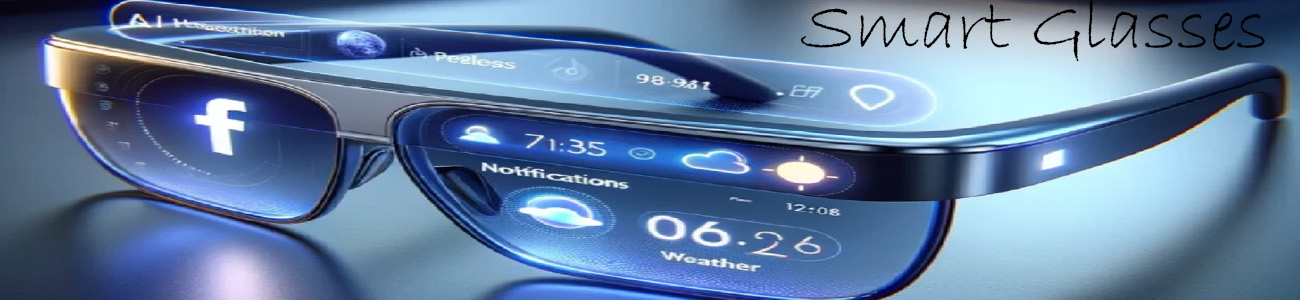

👓 What a HUD does
A HUD can show things like:
- 📍 Navigation arrows (turn left / right)
- ⏰ Time and notifications
- 📞 Incoming calls or texts
- 🎵 Music controls
- 🤖 AI answers or prompts
- 📊 Fitness or health data
All of this appears floating in your vision, while you still see the real world.
🧠 How it works (simple explanation)
- A tiny projector or micro-display sits in the glasses
- It shines images onto a lens
- The lens reflects it into your eye
- Your brain sees it like a “floating screen”
🔥 Types of HUD in smart glasses
1. Basic HUD (simple smart glasses)
- Shows text only (calls, notifications, music)
- No full graphics
- Example: audio-focused smart glasses
2. Advanced HUD (AR smart glasses)
- Shows arrows, icons, maps
- Can overlay objects on real world
- Example: navigation arrows on the street
3. Full AR HUD (high-end)
- 3D objects
- Interactive apps
- Real-time overlays (like games or work tools)
📱 Real-life example
In a pair like Ray-Ban Meta smart glasses, the HUD is very minimal:
- You don’t see a full screen
- Mostly audio + voice AI + small alerts
In more advanced AR glasses like XREAL, the HUD can:
- Show a full floating screen (like a TV in front of you)
- Project multiple windows in space
🧠 Easy way to think about it
- Phone = you look down at a screen
- HUD glasses = the screen is “in the air” in front of your eyes