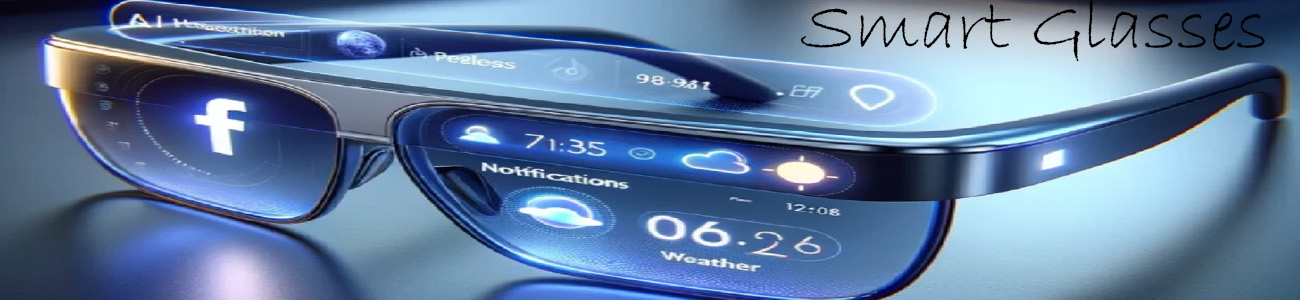

👥 What “social” means in smart glasses
It helps you:
- 💬 Send and receive messages hands-free
- 📞 Take calls instantly
- 📲 Stay updated with social media notifications
- 👀 Share what you see with others
📩 1. Messaging & notifications
Smart glasses can:
- Read incoming texts aloud
- Show messages in your HUD display
- Let you reply using voice commands
Example:
“Reply: I’m on my way.”
📞 2. Calls & video calls (limited on most models)
- Answer or reject calls with a tap or voice
- Talk through built-in speakers and microphones
- Some advanced models support live video sharing of your POV
📸 3. Sharing photos & videos instantly
You can:
- Take a photo or video with your glasses
- Immediately send it to friends or social apps
- Share your “point of view” in real time
🌐 4. Social media notifications
Smart glasses can show:
- Likes, comments, and messages
- App alerts (Instagram, Snapchat, etc.)
- Updates without needing your phone
👁️ 5. Live POV sharing (advanced feature)
Some AI glasses allow:
- Streaming what you see directly to someone else
- Letting friends “see through your eyes”
- Real-time interaction while walking, traveling, or exploring
🤖 6. AI social helper
AI can also help you:
- Suggest quick replies
- Summarize long messages
- Remind you to respond to people
🔥 Real-world example types
Basic smart glasses
- Notifications + calls only
Mid-range glasses
- Messaging + voice replies
Advanced AI glasses
- Live sharing, smarter notifications, richer social interaction
🧠 Simple way to think about it
- 📱 Phone = you constantly check apps
- 👓 Smart glasses = updates come to you while you keep your hands free