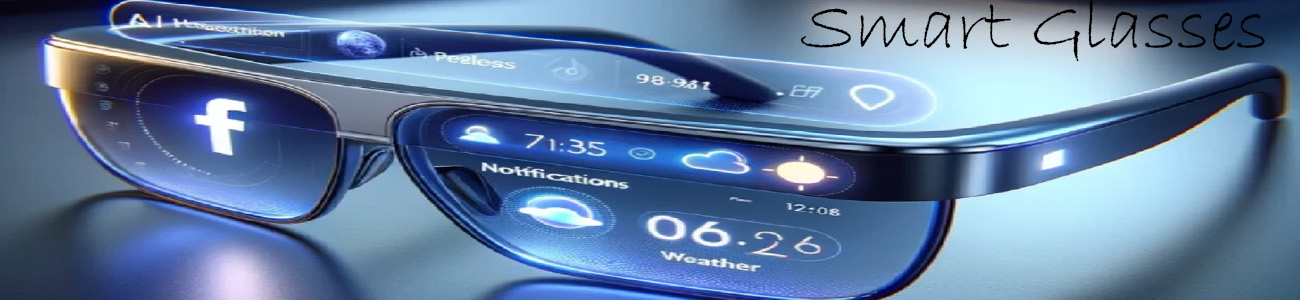

🧭 What navigation in smart glasses does
It helps you get directions in real time while you’re walking, biking, or driving.
📍 1. Turn-by-turn directions (HUD style)
Smart glasses can show or say:
- 👉 “Turn left in 200 feet”
- 👉 Arrows floating in your view
- 👉 Street names and route info
You don’t need to open maps on your phone.
🗺️ 2. Real-world overlay (AR navigation)
More advanced glasses can:
- Overlay arrows directly on the street
- Highlight your route in real space
- Show where to walk step-by-step
👉 It feels like directions are “painted” onto the real world.
🤖 3. Voice-guided navigation
Even without a full display, AI glasses can:
- Speak directions through audio
- Update you as you move
- Re-route you if you miss a turn
Example:
“Walk straight for 5 minutes, then turn right.”
📡 4. Live GPS tracking
Navigation features usually include:
- Real-time location tracking
- Distance remaining
- Estimated arrival time
- Traffic-aware updates
🚶 5. Hands-free safety benefit
This is a big advantage:
- No need to look at your phone while walking
- Keeps your eyes on the road or surroundings
- Safer for biking or busy areas
🔥 Real-world example types
Basic smart glasses
- Audio-only directions
Mid-range glasses
- Voice + simple notifications
Advanced AR glasses
- Floating arrows in your vision
- Full map overlays in real world
🧠 Simple way to think about it
- 📱 Phone maps = you stop and look down
- 👓 Smart glasses = directions come to your eyes and ears while you keep moving