
🎧 1. Built-in speakers (open-ear audio)
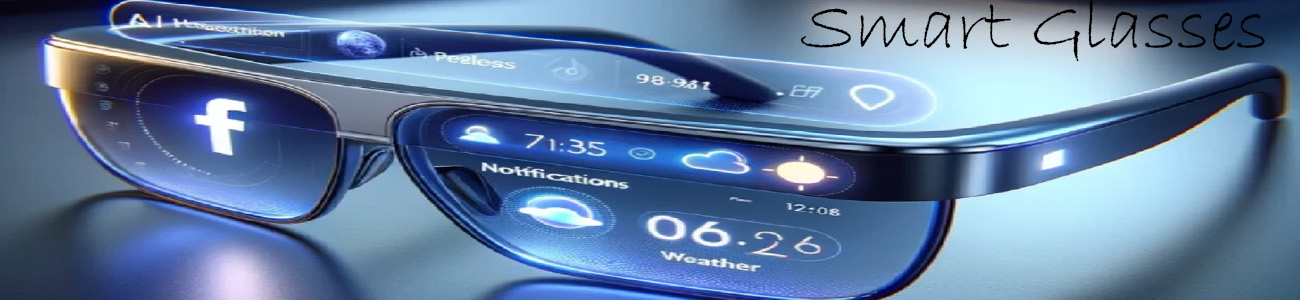
Smart glasses usually have tiny speakers built into the arms that:
- 🔊 Play music and podcasts
- 📞 Let you take phone calls
- 🤖 Work with AI voice assistants
👉 The sound goes toward your ears without blocking them, so you can still hear the real world.
🧠 2. AI voice interaction
Audio is also how you talk to the glasses:
- “Call Mom”
- “What’s the weather?”
- “Read my messages”
The glasses respond with spoken AI voice answers.
📞 3. Hands-free calling
You can:
- Answer calls by tapping or voice
- Talk without holding your phone
- Hear the person clearly through the glasses
🎵 4. Music & media
Smart glasses can connect to your phone and:
- 🎶 Play Spotify, Apple Music, YouTube audio, etc.
- ⏯️ Control play, pause, skip with voice or touch
- 🔊 Keep sound private but not fully isolated like earbuds
🌍 5. Spatial / directional sound (advanced models)
Some higher-end glasses can:
- Make sound feel like it’s coming from specific directions
- Improve clarity for calls and navigation
- Reduce outside noise without blocking ears
🔥 Real-world examples
Basic smart glasses
- Music + phone calls only
- Simple speakers in arms
Mid-range glasses
- Better sound quality
- Voice assistant integration
Advanced AI glasses
- Clearer audio + better microphones
- Smarter voice AI interaction
- Sometimes directional/spatial sound
🧠 Simple way to think about it
- 🎧 Earbuds = sound directly inside your ears
- 👓 Smart glasses = sound around your ears, while staying aware of your surroundings